📲IPTV Smarters Firestick Setup USA: Full Tutorial
Configure IPTV Smarters Pro on your Amazon Firestick in the USA. Follow our detailed step-by-step installation and login tutorial for lag-free streaming.
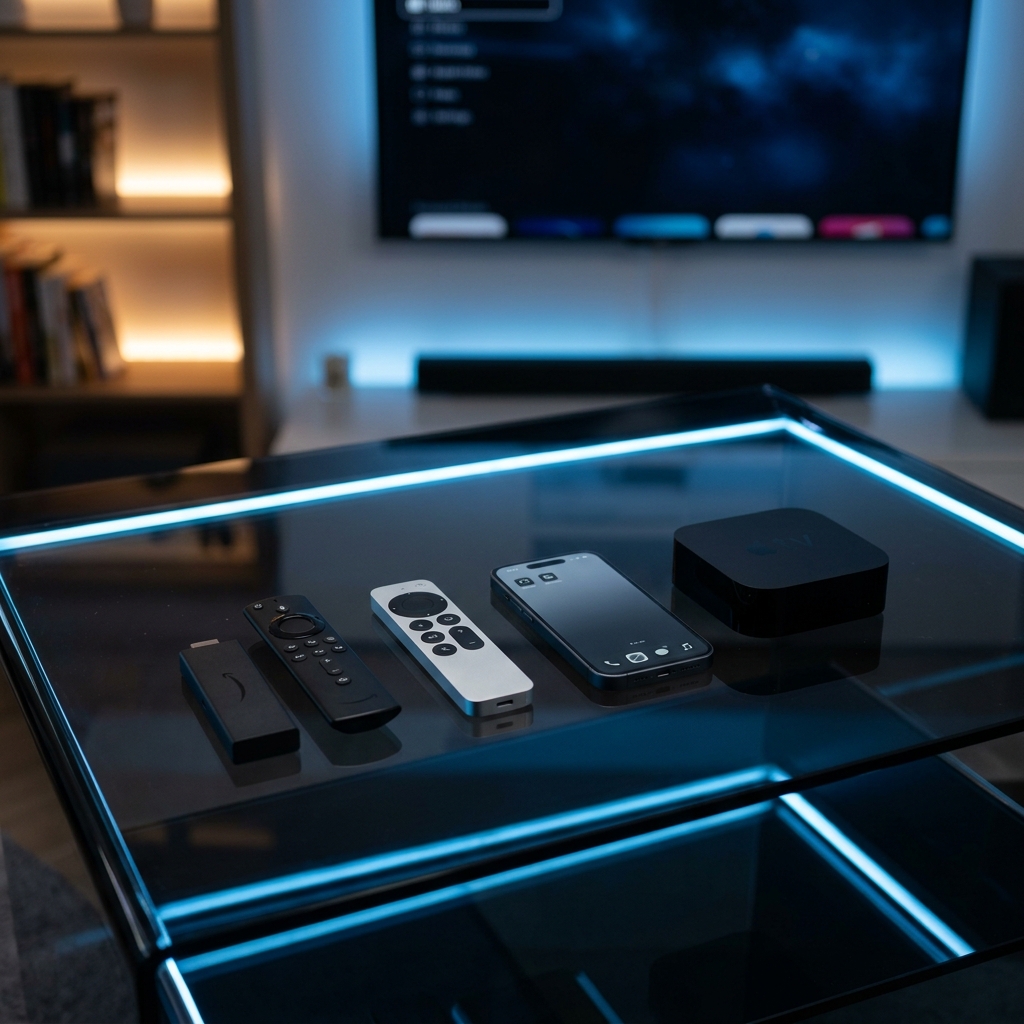
IPTV Smarters Pro remains one of the most widely used and recommended media applications for cord-cutting. With its dynamic interface, support for multiple playlists, and robust video decoding engines, it turns your television into a global entertainment hub. In this tutorial, we provide a complete step-by-step guide to installing and configuring IPTV Smarters Pro on your Amazon Firestick in the United States.
Why IPTV Smarters Pro is the Standard for US Viewers:
IPTV Smarters Pro is popular because it organizes raw channel playlists into three easy-to-read sections: Live TV (with full EPG grids), Movies, and complete TV Series. To feed this empty media dashboard, you need a high-availability provider list. Pairing it with **Layerseven IPTV** gives you access to over 50,000+ live global channels and a massive 200,000+ movies and series VOD library in Full HD and 4K quality.
Phase 1: Configure Sideloading Permissions on Firestick:
Because IPTV Smarters Pro is a third-party application, it must be sideloaded. Go to your Firestick **Settings** > **My Fire TV** > **About**. Scroll down to your device's build name (e.g., 'Fire TV Stick 4K') and click it rapidly 7 times until a notification states 'You are now a developer'. Navigate back to **My Fire TV** > **Developer Options** > **Install Unknown Apps**, and toggle the permission to **Enabled** for the Downloader tool.
Phase 2: Install Downloader and Download Smarters Pro:
Go to the Firestick Home Screen, open the search bar, search for **Downloader** (orange icon), and download the app. Open Downloader, type the direct APK download URL or shortcode for IPTV Smarters Pro, and click 'Go'. Once the download completes, click 'Install' to add the player to your device.
Phase 3: Log In via Xtream Codes API:
Open the Smarters app and choose the 'Login with Xtream Codes API' option. Do not use standard M3U lines as they are slow and do not update EPG data reliably. Enter the login details provided by Layerseven: 1) **Any Profile Name** (e.g., 'Layerseven'), 2) **Username**, 3) **Password**, and 4) **Server URL**. Click 'Add User' to import your channels and VOD list.
Phase 4: Configure an External Video Player:
To improve performance and prevent playback bugs (like audio sync issues or black screens), navigate to the Smarters settings menu, select 'External Players', click 'Add Player', and select **VLC Player** or **MX Player** (which can be downloaded for free from the Amazon Appstore). Map your live streams and VOD files to utilize this external decoder.
Phase 5: Apply Lag-Free Network Tweaks:
To ensure smooth 4K streams, implement these network optimizations: 1) **Run a Premium VPN:** US internet providers (like Comcast, Spectrum, AT&T) actively throttle high-volume IPTV streams. Run NordVPN or ExpressVPN to encrypt your data. 2) **Set DNS to Google DNS:** Manually configure your Firestick network settings to route queries through Google's public DNS (`8.8.8.8` / `8.8.4.4`) to speed up channel loading.
Activation Speed and Technical Assistance:
Layerseven IPTV plans are highly competitive and contract-free: 1 Month for $14, 3 Months for $30, 6 Months for $45, and the best-value 12-Month Plan for $60 (averaging only $5/month). Setup credentials are sent to your Email or WhatsApp in under 5 to 15 minutes, and support is active 24/7/365 on WhatsApp (+212625562111) and Email (supportiptvlive@gmail.com).
Final Verdict:
Configuring IPTV Smarters Pro on an Amazon Firestick in the United States is a simple, 10-minute process that unlocks complete global channels coverage. By pairing Smarters Pro with Layerseven IPTV's redundant server configuration, you can enjoy a stable, buffer-free, high-definition streaming dashboard instantly.
Try Layerseven IPTV Risk-Free Today
Get instant activation and access to 50,000+ live feeds, complete PPV fights, and 200,000+ movies on demand in under 5 minutes with our stable servers.