🔥IPTV for Firestick: The Definitive Setup and Installation Guide
Learn how to easily install and configure premium IPTV on your Amazon Firestick. Step-by-step instructions with screenshots and recommendations.
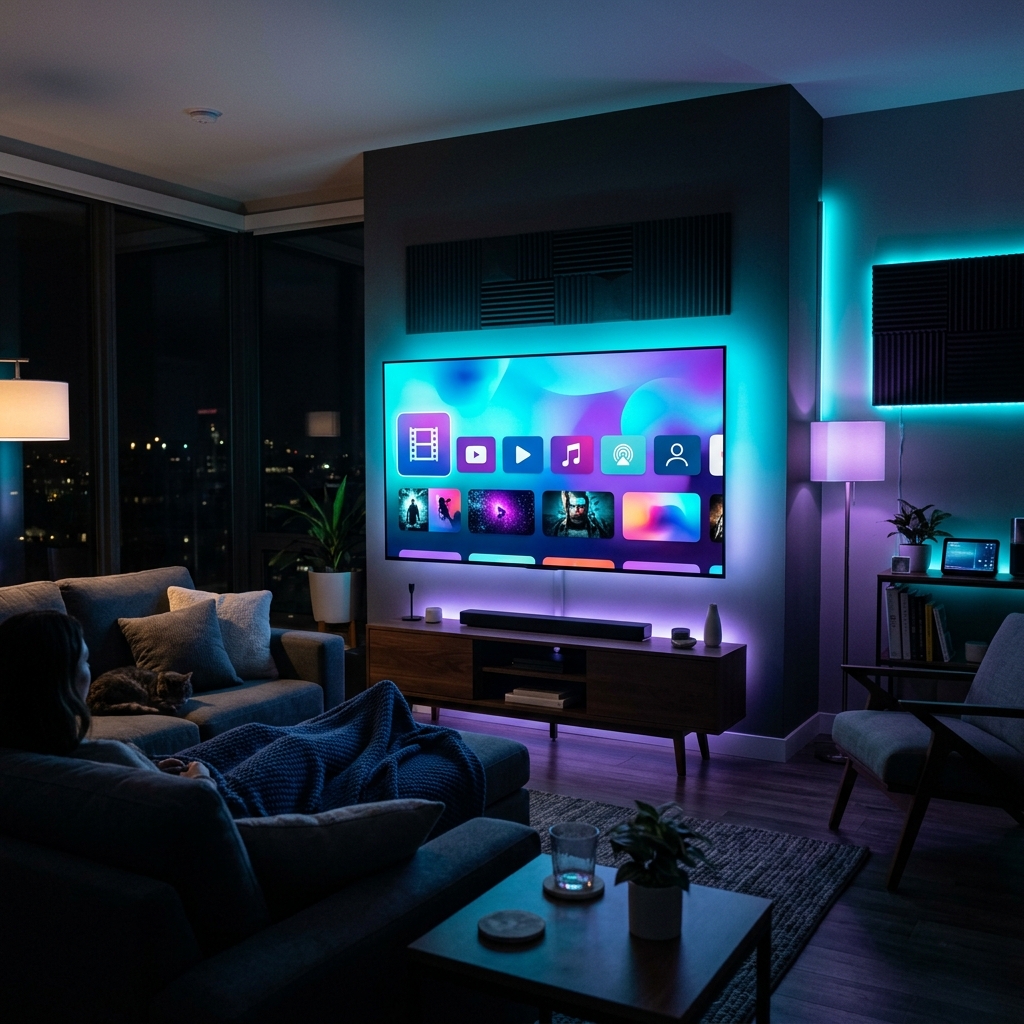
The Amazon Fire TV Stick is the most popular streaming device for setting up premium IPTV subscriptions. It is affordable, runs on Android, and has high-performance decoder chips for 4K video. In this definitive guide, we walk you through setting up Layerseven IPTV on your Amazon Firestick.
Firestick Models & 4K Streaming Capabilities:
Whether you use the Fire TV Stick Lite, the standard Firestick, the Fire TV Stick 4K, or the high-end Fire TV Stick 4K Max, the setup process is similar. However, for uncompressed 4K sports streams and massive VOD libraries, we highly recommend the 4K or 4K Max models, which have faster processors and better WiFi 6 chips.
Step 1: Install the 'Downloader' App:
Since most premium IPTV apps are not in the standard Amazon App Store, we need a helper app. Navigate to the Find menu on your Firestick, search for **Downloader**, and click install. This app acts as a browser to download installation packages (APK files) directly.
Step 2: Enable Developer Options & Unknown Sources:
Go to your Firestick Settings > My Fire TV > Developer Options. Ensure **Install Unknown Apps** is toggled ON for the Downloader application. (If Developer Options is hidden, navigate to Settings > My Fire TV > About and click your Fire TV Stick name 7 times until a toast message says 'You are now a developer'.)
Step 3: Download your IPTV Player (e.g. IPTV Smarters Pro):
Open the Downloader app and input the direct download URL for your player: `https://www.iptvsmarters.com/smarters.apk` or use code `290887` to fetch the file, then click install. Once downloaded, click Install and confirm the installation permissions.
Step 4: Load your Layerseven IPTV Credentials:
Open the newly installed app. Select **Login with Xtream Codes API** (this is faster and more stable than loading a long M3U playlist URL). Input your account details provided via WhatsApp or Email: Name (Layerseven), Username, Password, and Server Portal URL.
Step 5: Load Channels & Start Streaming:
Once logged in, the player will compile your channels, movies, and EPG guides. This usually takes 1-3 minutes depending on your internet connection. You are now ready to stream premium UHD channels!
Troubleshooting Common Installation Errors:
If you see 'App not installed' or 'Parse error', ensure you have uninstalled any old versions of the app first, check that your Firestick has at least 500MB of free storage space, and verify that Developer Options are enabled correctly.
Try Layerseven IPTV Risk-Free Today
Get instant activation and access to 50,000+ live feeds, complete PPV fights, and 200,000+ movies on demand in under 5 minutes with our stable servers.