📲How to Install IPTV on Firestick USA (Step-by-Step)
Follow our definitive step-by-step tutorial to install and configure IPTV on your Amazon Firestick in the USA. Get lag-free streaming in minutes.
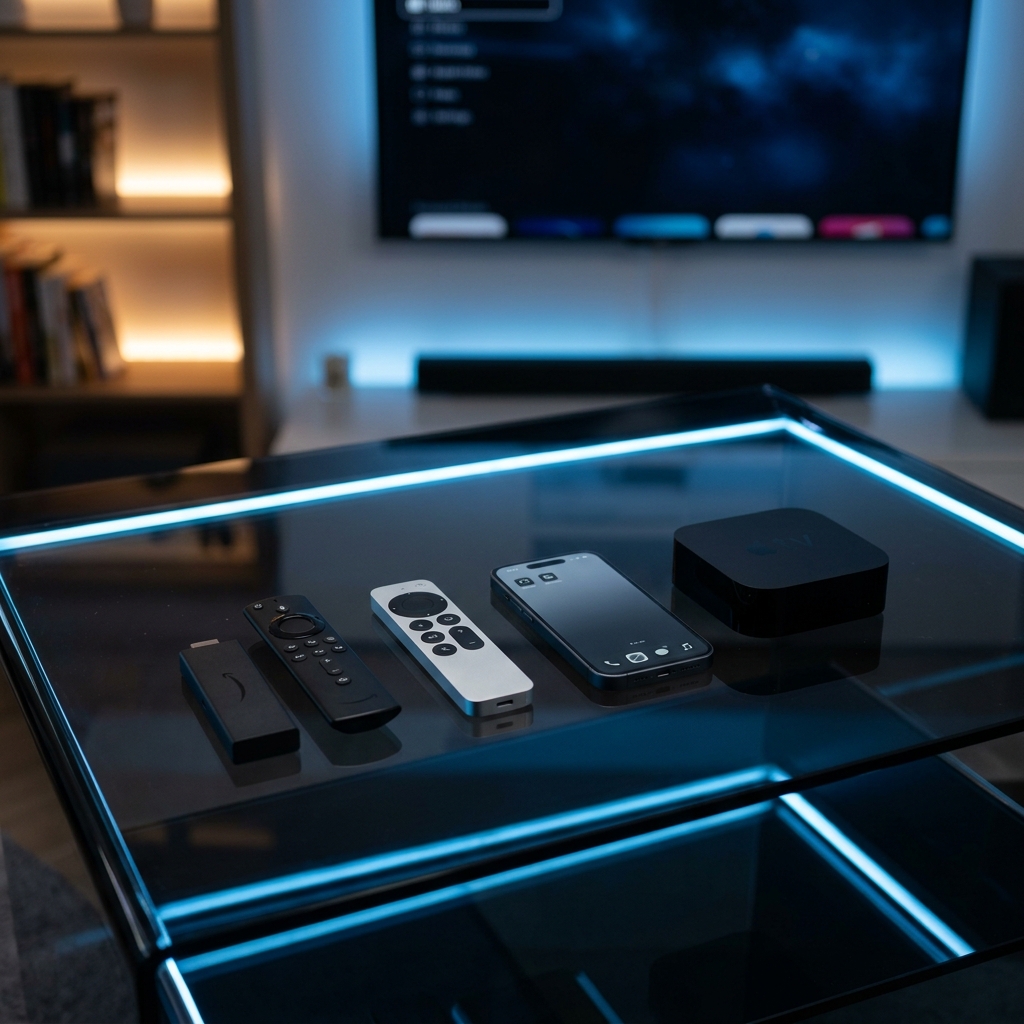
Running an IPTV subscription on an Amazon Firestick is one of the most effective ways for American cord-cutters to access global entertainment. By sideloading dedicated player apps, users can consolidate live local news, movies, and pay-per-view events onto a single TV dashboard. This definitive, step-by-step tutorial details how to install and configure IPTV on your Firestick in the USA.
Why Firestick is the Optimal Streaming Device:
The Amazon Firestick (including the Lite, 4K, and 4K Max models) runs on Fire OS, an Android-based operating system. This allows users to sideload advanced video player applications that are not natively hosted on the Amazon Appstore. Combined with a premium managed provider like **Layerseven IPTV**, you can stream over 50,000+ live channels and a massive 200,000+ movies and series VOD library in Full HD and 4K quality.
Step 1: Enable Sideloading (Developer Options):
Because third-party player apps are not on the official store, you must authorize your Firestick to run sideloaded APKs. Go to **Settings** > **My Fire TV** > **About**. Scroll down to your device's build name (e.g., 'Fire TV Stick 4K') and click it rapidly 7 times. A message will state 'You are now a developer'. Navigate back to **My Fire TV** > **Developer Options** > **Install Unknown Apps**, and toggle the permission to **Enabled**.
Step 2: Download the Downloader Utility:
Navigate to the search bar on your Firestick Home Screen, search for **Downloader** (orange icon), and click download. This tool functions as a browser to download installation files directly to your device.
Step 3: Download and Install Your IPTV Player:
Launch Downloader. In the address bar, type the quick download code or direct APK URL for your preferred player app. We recommend **IPTV Smarters Pro** (for a clean multi-account setup) or **TiviMate** (for a high-end cable-style grid EPG). Click 'Go' to download the APK, then click 'Install' when the setup prompt appears.
Step 4: Authenticate Using Xtream Codes API:
Open the player application and select the 'Login with Xtream Codes API' option. Input the custom connection details sent to your Email or WhatsApp after ordering: 1) **Server URL** (the host address), 2) **Username**, and 3) **Password**. Click 'Add User' to import the channels list and EPG program data.
Crucial Optimization Settings for USA Streams:
To prevent stream buffering and regional blocks, apply these network tweaks: 1) **Bypass ISP Throttling:** Major US ISPs (such as Comcast, Spectrum, AT&T) inspect data packets and throttle high-volume IPTV streams. Run NordVPN or ExpressVPN to encrypt your traffic. 2) **Change DNS Settings:** Configure your network details to Google DNS (`8.8.8.8` / `8.8.4.4`) to speed up stream loading and channel zapping.
Pricing Plans and Activation Speed:
Layerseven IPTV plans are highly competitive and contract-free: 1 Month for $14, 3 Months for $30, 6 Months for $45, and the best-value 12-Month Plan for $60 (translating to only $5/month). Setup credentials are sent to your Email or WhatsApp in under 5 to 15 minutes, and technical help is available 24/7/365 on WhatsApp (+212625562111) and Email (supportiptvlive@gmail.com).
Verdict Summary:
Installing an IPTV subscription on an Amazon Firestick in the United States is a straightforward process that bypasses expensive cable costs. By using a secure player app in conjunction with Layerseven's redundant server configuration, you can enjoy a stable, high-definition streaming dashboard instantly.
Try Layerseven IPTV Risk-Free Today
Get instant activation and access to 50,000+ live feeds, complete PPV fights, and 200,000+ movies on demand in under 5 minutes with our stable servers.