📱Best IPTV Apps in 2026 (Android, Firestick, iOS & Smart TV)
Discover the top-rated IPTV player applications in 2026. We review TiviMate, IPTV Smarters Pro, Smart ONE, and other high-performance players.
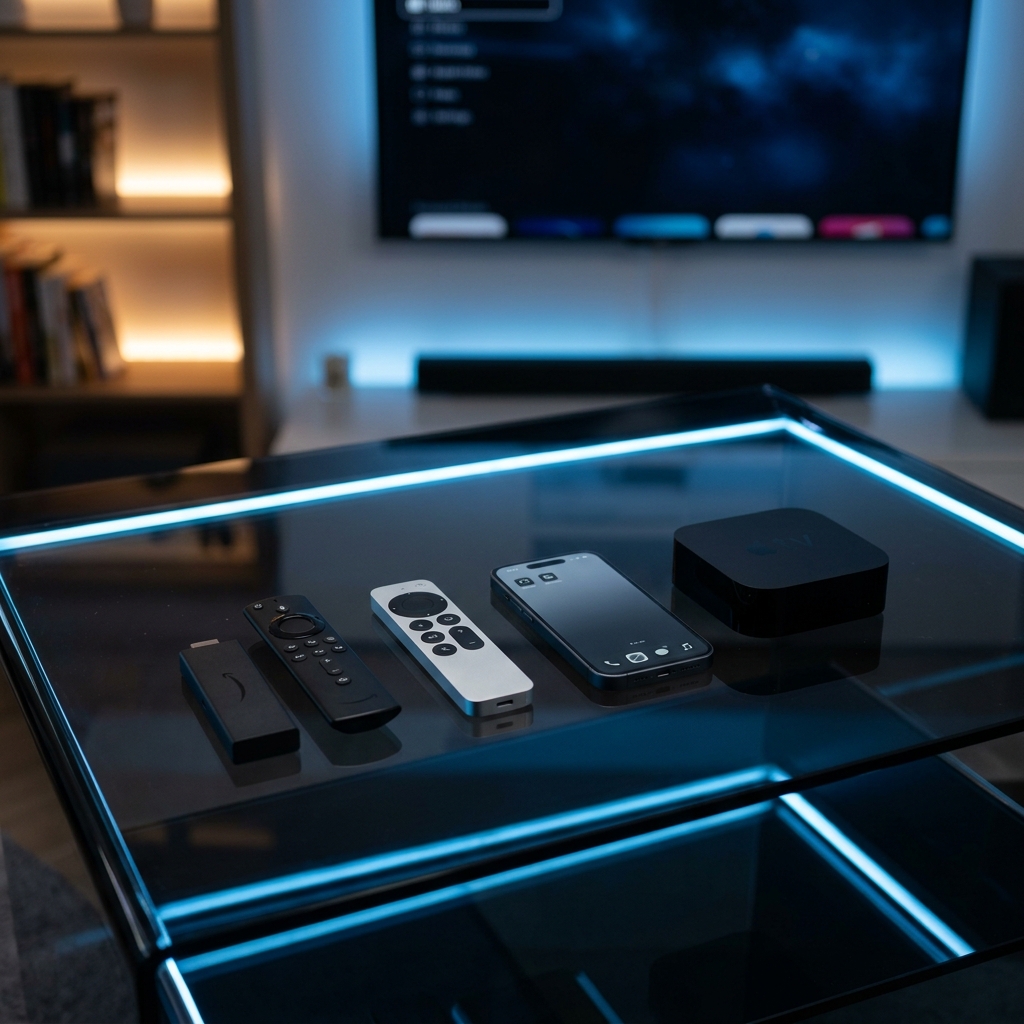
An IPTV subscription is only as good as the software application you use to stream it. While your IPTV provider issues the server connection playlist, it is the player app that renders the channels list, processes the electronic program guide (EPG), and coordinates playback. Here are the top IPTV applications in 2026.
Why App Selection Matters:
The video player app determines the menu loading speed, channel switching time, search filters, and EPG configurations. If you use a poorly coded player, you will experience lag, audio sync issues, and stream crashes, even on a high-speed server. Choosing the right player app is critical for a premium streaming experience.
1. TiviMate IPTV Player (Best for Android & Firestick):
For users streaming on Amazon Fire TV Stick, Nvidia Shield, or Android TV boxes, TiviMate is the gold standard. It features a highly polished user interface mimicking premium satellite TV systems, allows fast channel switching, and handles multiple M3U playlist integrations with ease. The premium version is highly recommended for its advanced EPG customizations, catch-up TV settings, and multi-view features that allow you to watch up to 4 screens at once.
2. IPTV Smarters Pro (Best Multi-Platform App):
IPTV Smarters Pro is the most popular, versatile IPTV player application. It runs flawlessly on iOS (iPhone, iPad, Apple TV), Android devices, smart TV stores, and Windows/Mac desktops. It supports Xtream Codes API login credentials, which are widely considered the most secure way to connect your Layerseven IPTV line. It also includes built-in support for subtitles, audio track switching, and external players.
3. Smart ONE (Best for LG & Samsung TVs):
Installing custom APK apps on Samsung Tizen or LG WebOS can be tricky. Smart ONE is a premium application available directly in the official TV app stores. It is fast, displays M3U lists cleanly, and organizes VOD movies and series libraries beautifully. Playlist uploads are managed via their website using your TV's MAC address.
4. VLC Media Player (Best for PC & Mac):
If you are streaming on a laptop or desktop computer, VLC is a free, open-source player that can open raw M3U playlist files instantly. While it lacks the decorative program guides, it is incredibly lightweight and reliable. Another alternative is the official IPTV Smarters PC App, which provides a structured interface on computers.
Selecting the right player matches your device configuration and yields a buffer-free, high-definition streaming experience. Layerseven IPTV lines are compatible with all of these applications.
If you want a setup that mimics standard cable boxes, choose TiviMate on Firestick. For smart TVs, Smart ONE is the recommended pathway.
Try Layerseven IPTV Risk-Free Today
Get instant activation and access to 50,000+ live feeds, complete PPV fights, and 200,000+ movies on demand in under 5 minutes with our stable servers.