🔥Best IPTV for Firestick USA 2026: Easy Setup Guide
Configure the best IPTV for Firestick in the USA in 2026. Follow our simple, step-by-step setup guide using Downloader, TiviMate, and IPTV Smarters.
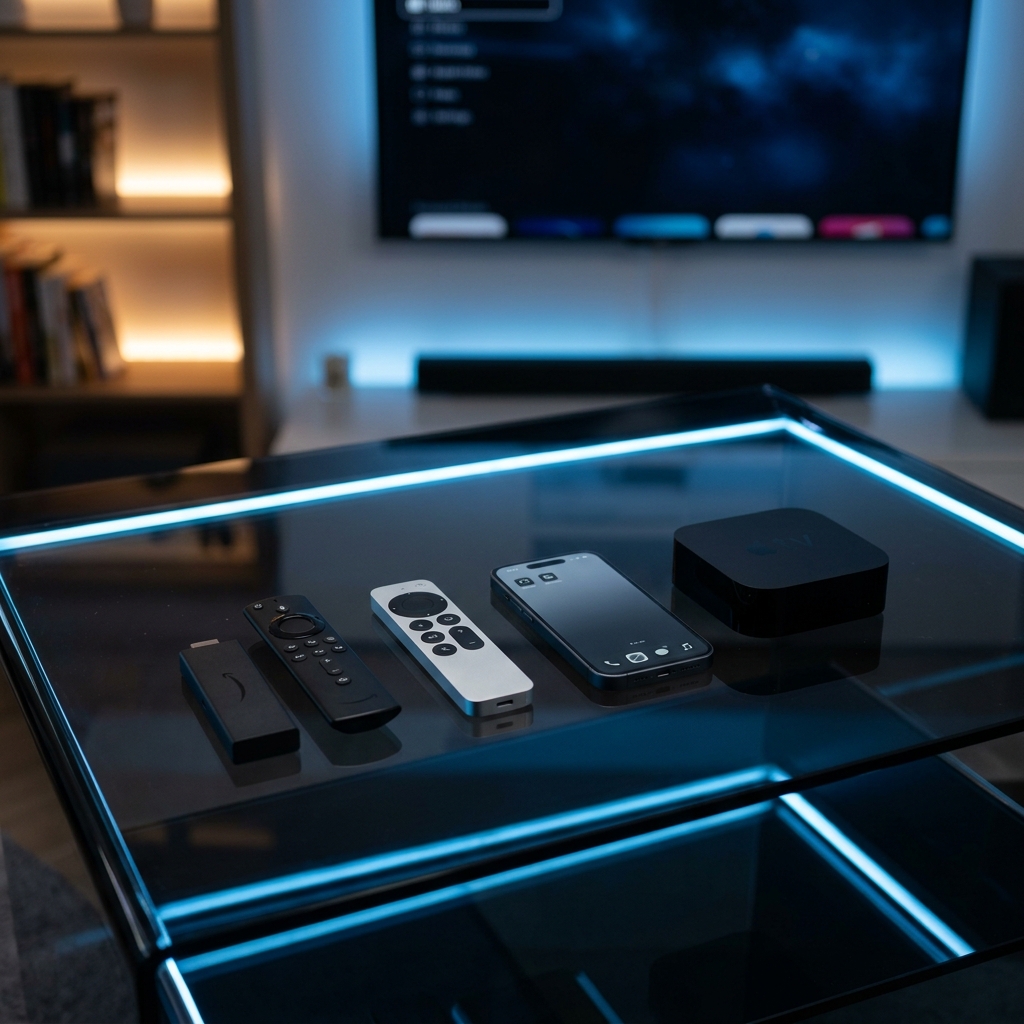
The Amazon Firestick remains the streaming device of choice for millions of households in the United States. Its low cost, portability, and Android-based operating system make it the ideal hardware for cord-cutting. If you want to connect a premium streaming library to your television, follow our simple step-by-step setup guide for configuring the best IPTV for Firestick USA in 2026.
Why Layerseven is the Top Choice for Firestick Users:
Firestick devices require highly optimized, low-overhead video streams to prevent performance lag. Layerseven IPTV operates local US edge servers with active load-balancing protocols. This guarantees uncompressed 60 FPS feeds and a 99.9% uptime rate. Subscribers get access to over 50,000+ live global channels and a massive 200,000+ VOD cinema library.
Step 1: Enable Downloader Installation Permissions:
Since the best IPTV players are not hosted directly on the Amazon Appstore, you must configure sideloading. Navigate to your Firestick Settings > My Fire TV > About. Scroll down to your OS build name and click it 7 times until a notification says 'You are now a developer'. Go back to My Fire TV > Developer Options > Install Unknown Apps, and toggle the setting to Enabled.
Step 2: Install the Downloader Utility:
Go to the Firestick Home Screen, open the Search menu, and search for **Downloader** (represented by an orange icon). Click download to install it on your device.
Step 3: Download and Install TiviMate or IPTV Smarters Pro:
Open Downloader and enter the direct APK download link or shortcode for your preferred player app. For Firestick users, we highly recommend **TiviMate** for a traditional cable-like TV guide (EPG) layout, or **IPTV Smarters Pro** for cross-device compatibility. Click Download and follow the prompt to Install the APK.
Step 4: Authenticate with Xtream Codes API:
Open your newly installed player app and select the 'Login with Xtream Codes API' option. Enter the secure login credentials sent to your Email or WhatsApp after subscription activation: 1) **Server URL** (host address), 2) **Username**, and 3) **Password**. Click 'Add User' to download the channels catalog and EPG guide.
Lag-Free Optimization Settings:
To get the best performance from your Firestick, apply these network tweaks: 1) **Bypass ISP Throttling:** US internet providers (like Comcast, Spectrum, AT&T) actively throttle high-volume IPTV streams. Run NordVPN or ExpressVPN to encrypt your data. 2) **Switch DNS Query Servers:** Set your router or Firestick network details to Google DNS (`8.8.8.8` / `8.8.4.4`) to speed up stream connection and menu loading speeds.
Pricing Plans and Activation Speed:
Layerseven IPTV plans are contract-free and pay-as-you-go: 1 Month for $14, 3 Months for $30, 6 Months for $45, and the best-value 12-Month Plan for $60 (averaging only $5/month). Setup credentials are sent to your Email or WhatsApp in under 5 to 15 minutes. Support is available 24/7/365 on WhatsApp (+212625562111) and Email (supportiptvlive@gmail.com).
Final Verdict:
Setting up an IPTV subscription on an Amazon Firestick in the United States is a simple process that unlocks complete global channels coverage. By pairing a high-performance player like TiviMate with Layerseven IPTV's redundant server configuration, you can enjoy zero buffering and a premium streaming setup for a fraction of cable costs.
Try Layerseven IPTV Risk-Free Today
Get instant activation and access to 50,000+ live feeds, complete PPV fights, and 200,000+ movies on demand in under 5 minutes with our stable servers.